3 Ways to Protect Your Accounts Today
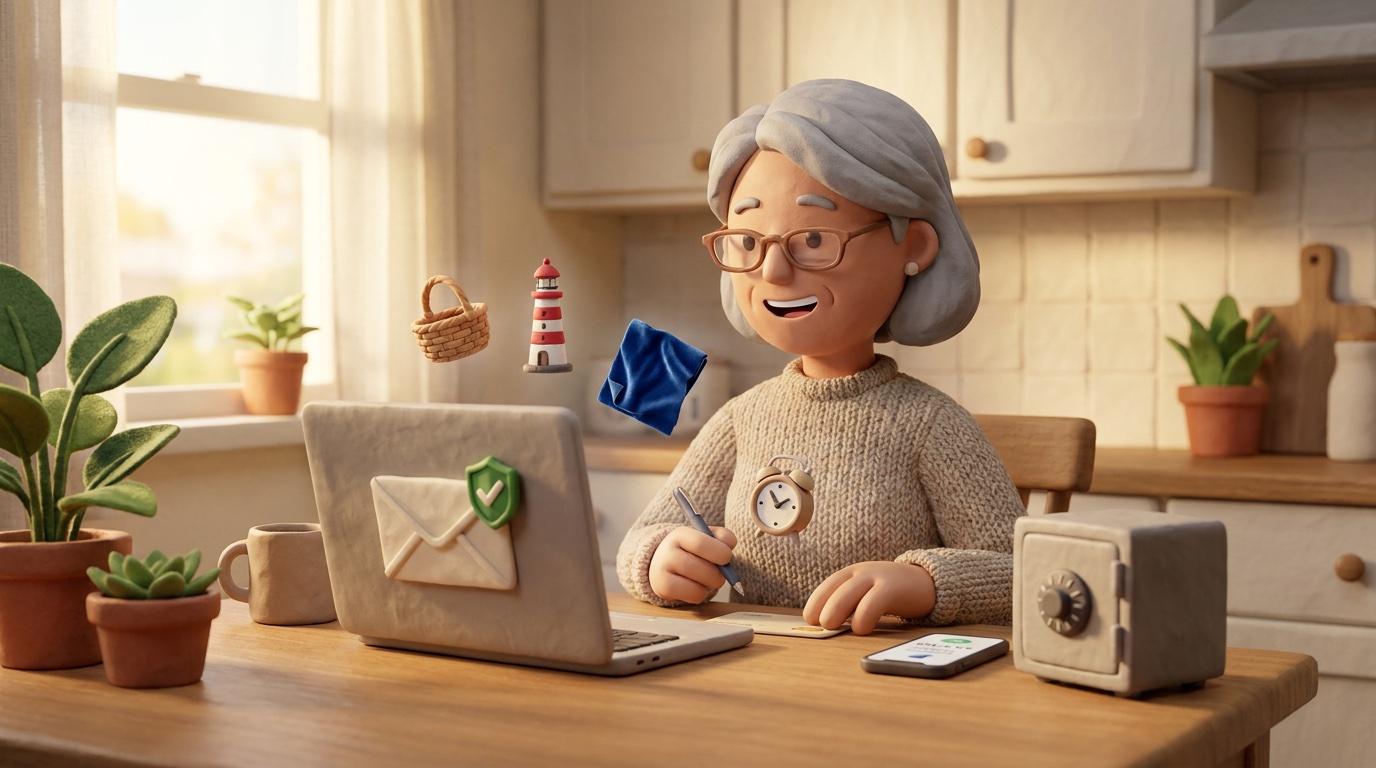
Start with your email account. Turn on two-factor authentication there first. Email is the master key: whoever controls it can reset every other password you have. Go to Settings, find Security or Privacy, and look for Two-Step Verification or Two-Factor Authentication.
For passwords, length beats complexity. Use a passphrase: four or more random, unrelated words strung together, like basket-harbor-velvet-clock. Longer is stronger, so aim for something you can picture but no one could guess. If a site insists on a capital letter, number, or symbol, add them, but the length of the phrase is what actually protects you. A password manager can be used to store passwords for you, so you don't have to remember a different one for every account.
Finally, the U in PAUSE: Use official channels. If a message asks you to log in, go directly to the real site yourself.